An employee time clock that runs on one Android phone - and never phones home.
Mount the device wherever makes sense - by the door, behind the till, in a staff corridor. To clock in, an employee taps the button on screen and looks at the camera. Same to clock out. The app recognizes the face, logs the timestamp, and gets out of the way. No app on the employee’s phone. No login. No card to swipe. No cloud account or subscription either - the Android manifest declares one permission, CAMERA, and nothing else.
Get it on Google Play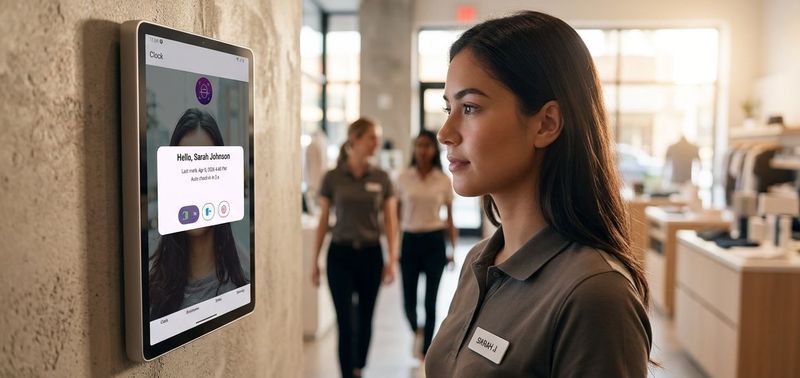
Why a face camera, and not a fingerprint or a PIN
Fingerprint readers wear out. PINs get shared. A camera mounted at the entrance does the boring thing well: it sees who walked in, marks the moment, and gets out of the way. Everything runs locally on the device. Nothing leaves it.
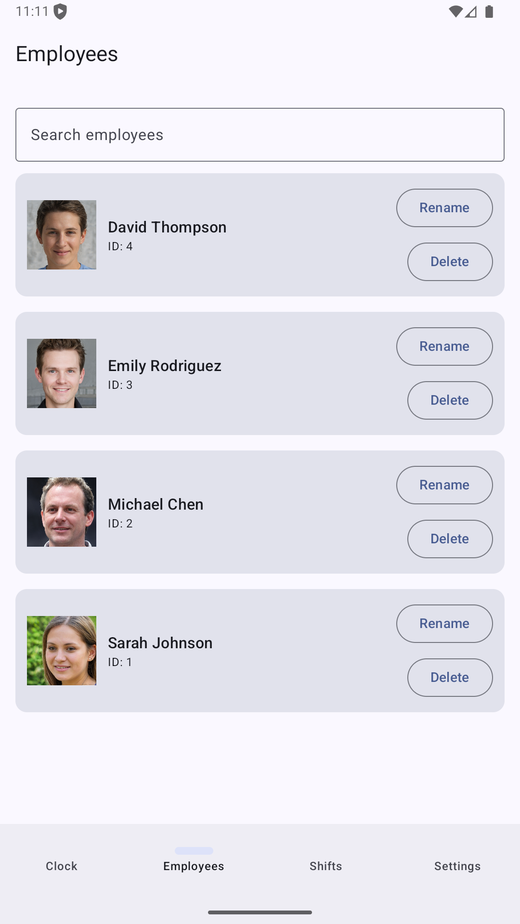
Register a person in a single capture
One reference photo, type the name, done. The photo and the data needed for matching go into the local database side by side - no enrolment session, no per-person config.
Everything stays on the device
Both the matching data and the original photo live in the phone’s local database. Matching uses the data; the photo is there for a manager who later needs to verify visually who registered as whom.
- No network needed. The Android manifest declares CAMERA and nothing else - there is no INTERNET permission to grant or revoke.
- Thresholds are tuned in code, biased to favour false-rejection over false-acceptance - better to ask someone to try again than to clock the wrong person in.
Shifts the way real schedules work
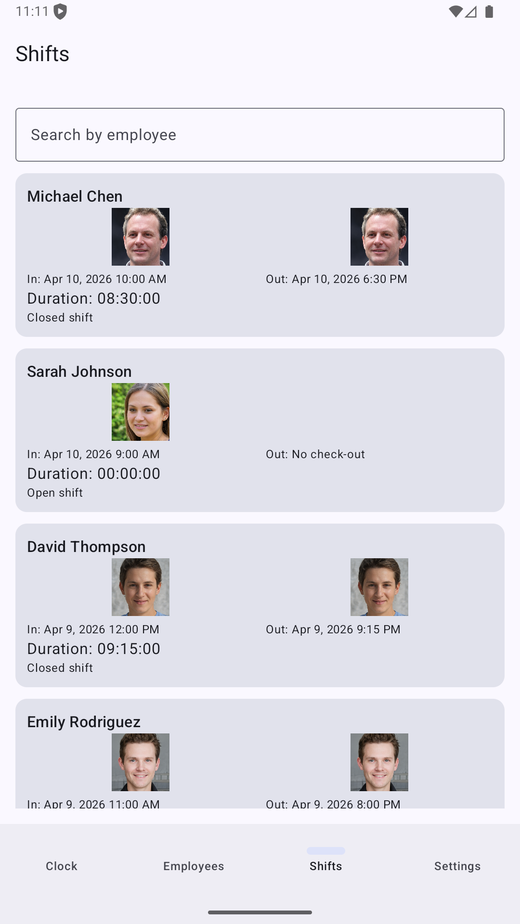
Time tracking software usually assumes a clean 9-to-5. Real schedules don’t. FaceClock stores each shift as a pair of millisecond timestamps - inTime and outTime - so a shift that starts at 22:00 and ends at 06:00 is one record, not two. And once a shift is captured, it’s the record - not a draft someone can rewrite later.
Cross-midnight shifts are one record, not two
The schema doesn’t care which calendar date the timestamps fall on, so weekly hours come out right without any midnight gymnastics.
Shifts can’t be moved, only added
There’s no UI to rewrite a captured shift after the fact. The only way to change the log is by clocking in or out at the device. The report is whatever was actually captured, on the timestamp it was actually captured, with no admin override.
- Auto-clock-out via a configurable maximum shift length (default 12 hours). When that elapses, the next clock-in starts a fresh shift and implicitly closes the open one.
- CSV export of any shift range: employee name, in/out timestamps, duration, status. Grouping into weeks or pay periods happens in your spreadsheet, the same way it always has.
- PDF export with the original clock-in and clock-out photos - useful for managers who want a visual audit trail to hand to payroll.
Built around the privacy laws you actually have to deal with
The biometric privacy landscape changed quickly: BIPA in Illinois, the EU’s GDPR Article 9, CCPA’s biometric clause, the new Texas CUBI updates. Most cloud time-clock vendors handle this by writing a 12-page privacy notice and asking employees to sign. We took a different approach. We made it impossible for the data to leave the phone in the first place.
Matching happens on the device, period
No INTERNET permission is requested. No Firebase, no Sentry, no analytics SDK. There is nothing to phone home about.
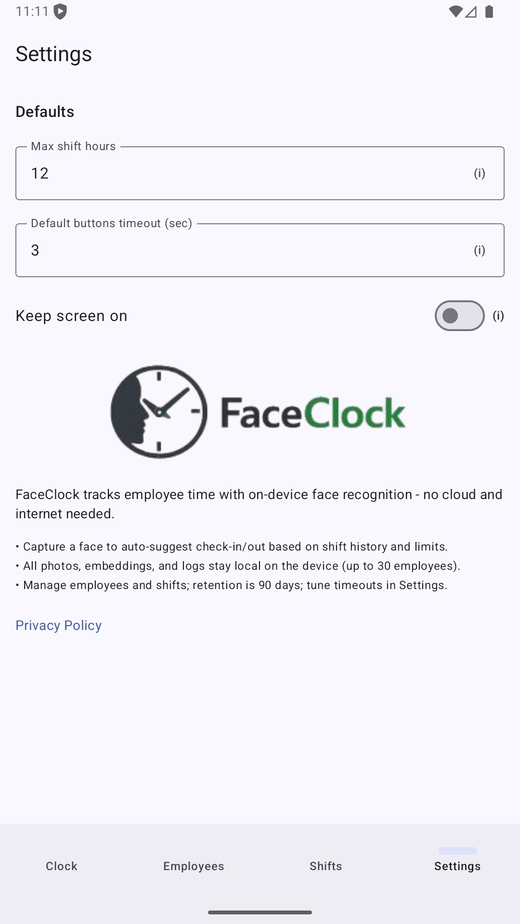
Shift photos auto-purge after 90 days
A background job runs every hour and clears shift records and their captured photos older than 90 days. Employee profiles stay until you delete them yourself.
- Min Android 7.0 - so you can run this on a refurbished tablet from five years ago that’s not getting any other use.
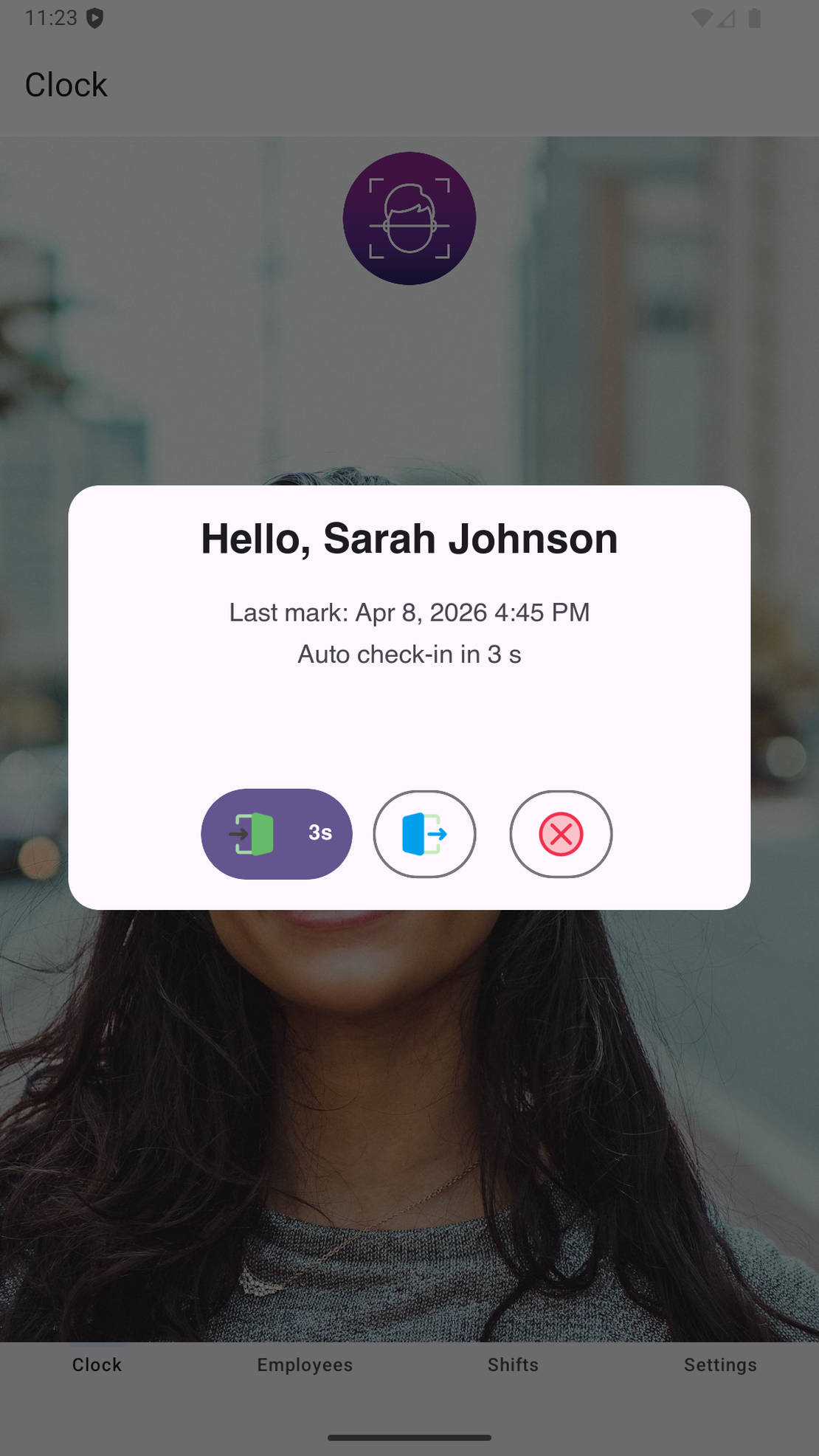
Try it on a phone you already own.
FaceClock runs on most Android devices from the last five years. Install, register your team in a few minutes, and start logging shifts the same day. No account. No card.
Get it on Google Play